
Bulk Price Changes in QuickBooks Online Without Breaking Your Margins

Updated: Feb 27

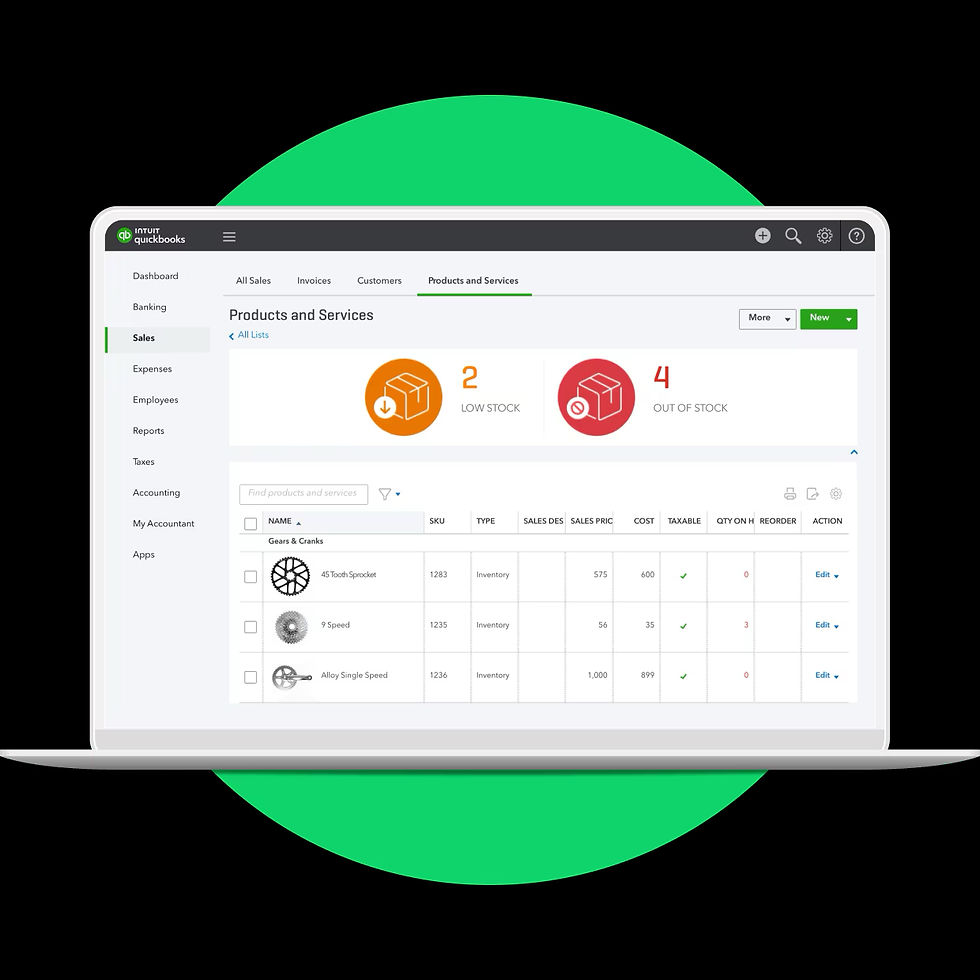
If you manage a large inventory catalog in QuickBooks Online, pricing mistakes don’t show up as obvious errors.
They show up as shrinking margins.
Supplier costs rise. Freight changes. Landed costs drift.
But prices inside QuickBooks Online stay frozen—because updating hundreds or thousands of
SKUs manually is slow, risky, and opaque.
That gap is where profit leaks.
Why Bulk Price Updates Break Down in QuickBooks Online
QuickBooks Online stores prices well.
It does not manage pricing decisions well.
Most inventory businesses run into the same constraints:
Prices must be updated SKU by SKU
No preview of margin impact before changes go live
Cost changes don’t flag underpriced items automatically
Spreadsheet uploads lack margin or markup validation
The result is predictable:
Price increases happen late—or not at all
Margin erosion goes unnoticed
Finance only reacts after profitability drops
At scale, manual pricing becomes a structural risk.
The Spreadsheet Trap (and Why It Quietly Hurts Margins)
Spreadsheets feel efficient. They’re not.
They introduce three compounding problems:
They fall out of sync with QuickBooks Online.
Once pricing decisions live outside QBO, accuracy decays.
They ignore real-time cost changes
Supplier invoices update costs. Spreadsheets don’t.
They hide margin exposure
You see prices—not profitability by SKU.
By the time someone notices margin compression, it’s already embedded across weeks or months of sales.
What a Proper Bulk Pricing Process Should Actually Do
Bulk price changes QuickBooks Online
Bulk price updates shouldn’t just be fast.
They should be controlled.
A defensible process lets you:
Identify underpriced SKUs across your full catalog
Model new prices before applying them
Enforce minimum margin or markup thresholds
Sync approved price changes directly into QuickBooks Online
Repeat the process as costs change—without rework
If you can’t see pricing risk across all SKUs at once, you’re managing blind.
How Pricing Assistant Closes the Gap
Pricing Assistant was built specifically for QuickBooks Online inventory businesses with large SKU counts.
It allows you to:
Analyze product pricing directly against QBO cost data
Apply bulk pricing rules across hundreds or thousands of items
Adjust prices based on margins, markups, or cost changes
Push validated price updates back into QuickBooks Online
No disconnected spreadsheets.
No manual SKU-by-SKU edits.
No guessing which products are leaking margin.
When Bulk Pricing Control Matters Most
This matters most if you:
Carry hundreds or thousands of SKUs
See frequent supplier or landed cost changes
Operate on tight or competitive margins
Sell products with uneven cost volatility
At that point, pricing errors aren’t occasional—they’re systemic.
Final Thought
Margins don’t collapse.
They leak—quietly—every time costs change and prices don’t.
If you can’t see pricing exposure across your entire catalog, you can’t protect profit.
Pricing Assistant exists for one reason:
to make bulk pricing changes QuickBooks Online visible, controlled, and defensible.


Comments